Can't find what you're looking for?
Start a conversation
Chat conversation only works if you have concented to all cookies. Modify your cookie settings here or send an email to team@twentythree.com
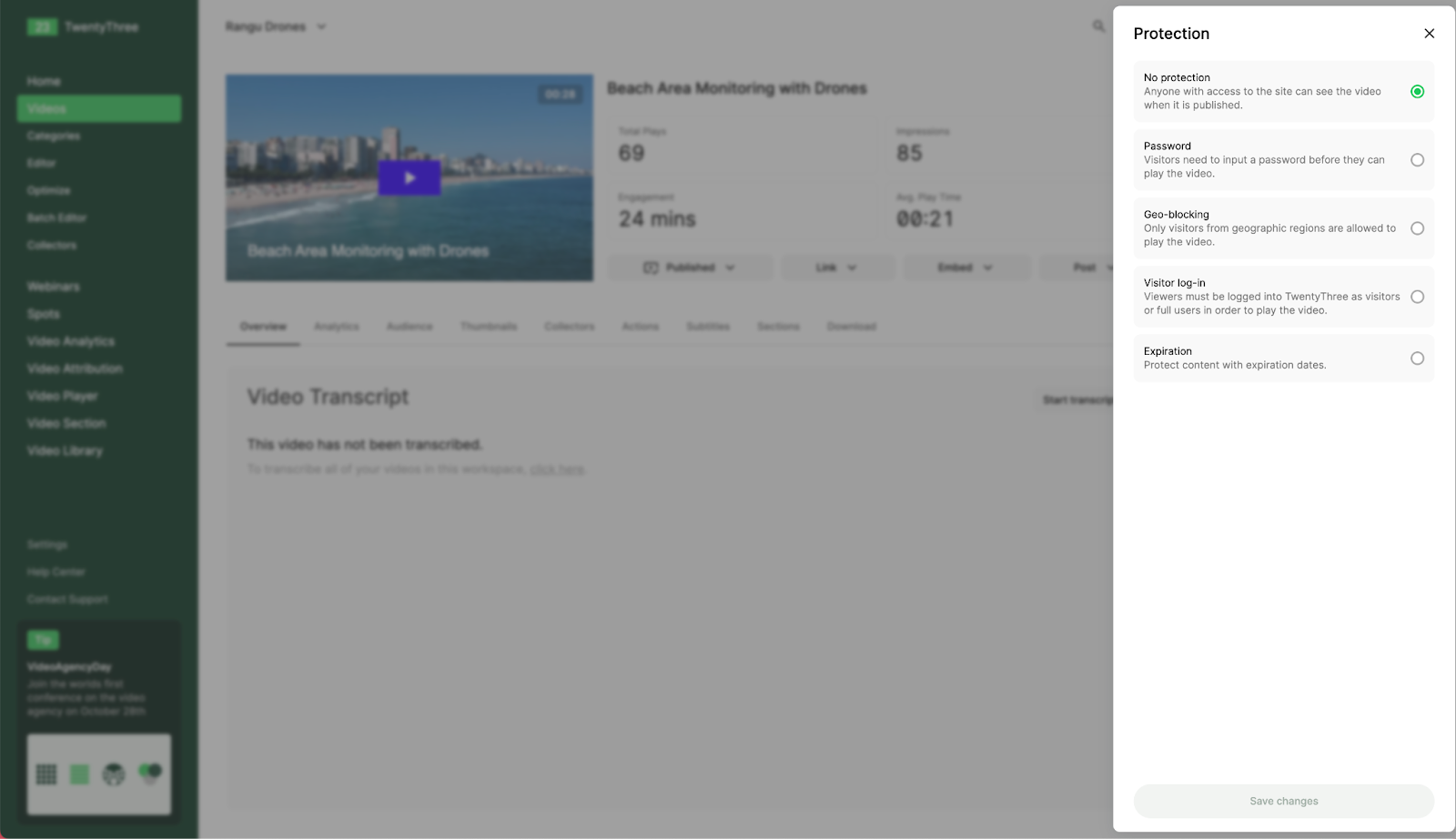
Setting a video as unpublished and sharing a secret video link is a way to protect your videos when needed. A further layer of protection can be added through built-in functions in TwentyThree. To protect a video, click on the three-dot menu in the upper right corner and select "Protection." A protection menu will open on the right side of the screen, allowing you to choose from several options: