
Can't find what you're looking for?
Start a conversation
Chat conversation only works if you have concented to all cookies. Modify your cookie settings here or send an email to team@twentythree.com
Usually, users need backend access to your workspace to upload videos. However, with the Open Upload feature, you can enable others to upload content without direct backend access. This can be useful in scenarios like:
To set up an Open Upload, go to Settings > Upload, select Open Upload, then click Create New Open Upload. Here are the options you’ll see:
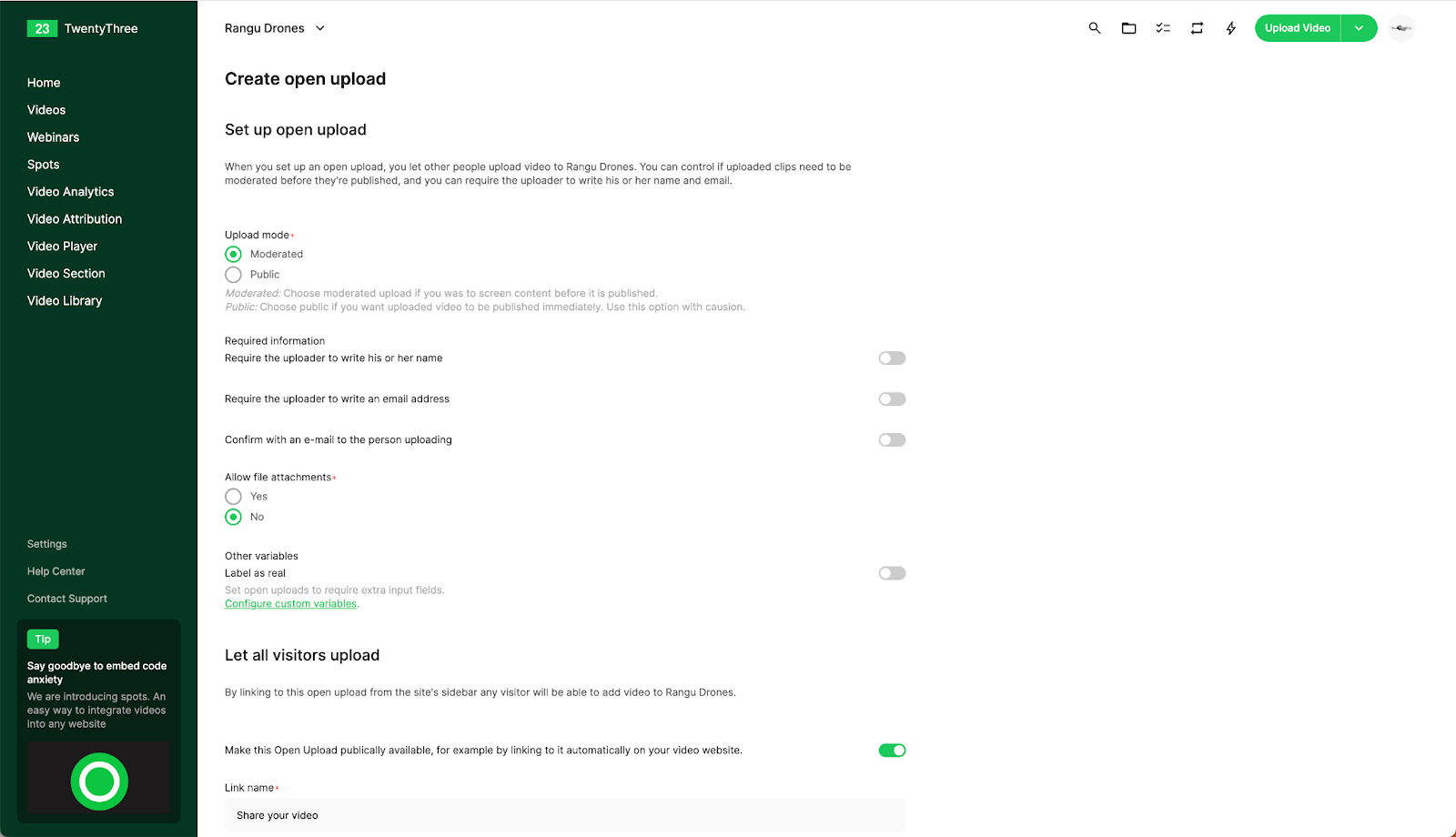
This setup allows you to create multiple Open Uploads, each with unique configurations for specific categories or use cases.